iPhone setup
VPN for iPhone
Use StarsVPN on iPhone with import-ready configs for Shadowrocket, Streisand, Happ, and Hiddify. Sign in with Telegram, choose a region, and issue the config from the website cabinet.
12+
regions
1-10
devices
24/7
cabinet
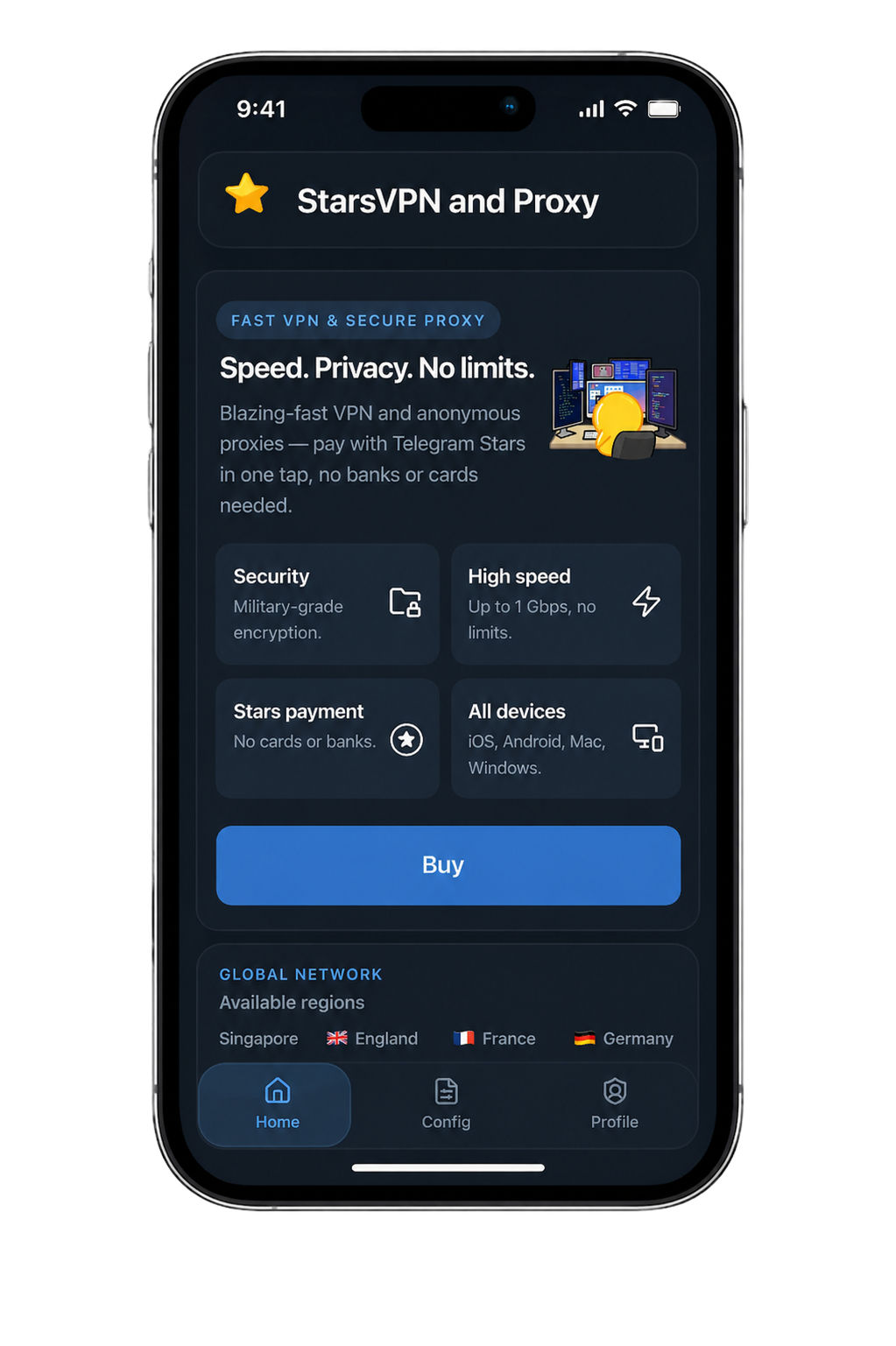
App-ready delivery
iPhone configs are shaped for popular clients so setup stays short and predictable.
Telegram account flow
The website and bot use the same Telegram identity, billing, and config history.
Region selection
Pick the location that fits your route, then re-issue later if you want a different region or protocol.
Included
What you get
Every key piece lives in one cabinet, so setup feels like a single flow instead of scattered steps.
- Telegram sign-in and Stars billing from the same account
- Recommended clients for iPhone: Shadowrocket, Streisand, Happ, and Hiddify
- WireGuard, VLESS Reality, and other protocol options from the same cabinet
- 1-10 device plans with the same route structure across the site and mini app
FAQ
Shadowrocket, Streisand, Happ, and Hiddify are the main client recommendations on this platform, and the cabinet issues configs that match the selected protocol.
Next step
Set up iPhone in one flow
Open the Telegram-linked cabinet, choose the route you need, and issue the config from the same account you use in the bot.
Related pages
Open adjacent pages to move from intent to platform, protocol, or region.
Telegram VPN
Use StarsVPN as a Telegram-native VPN flow with website and bot parity, multiple protocols, and region-aware config delivery.
WireGuard
Issue a WireGuard-based route from StarsVPN with Telegram-linked access, multiple device plans, and region-aware delivery.
USA
Choose the USA region in StarsVPN and issue a config with Telegram login, region selection, and multiple protocol modes.